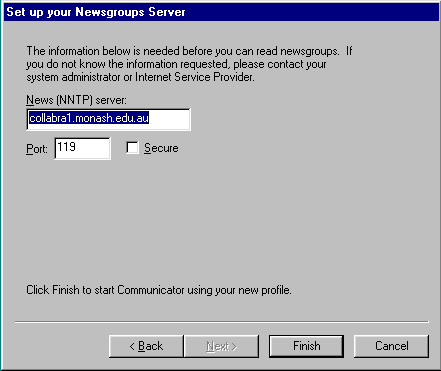
Netscape: User Profile
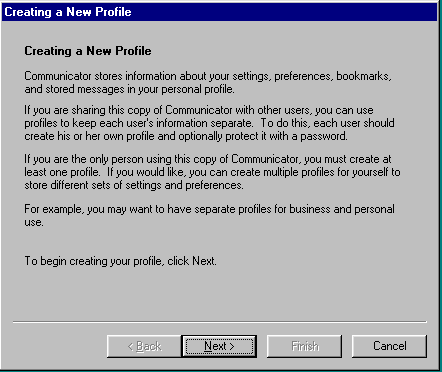
Step: adding a new profile
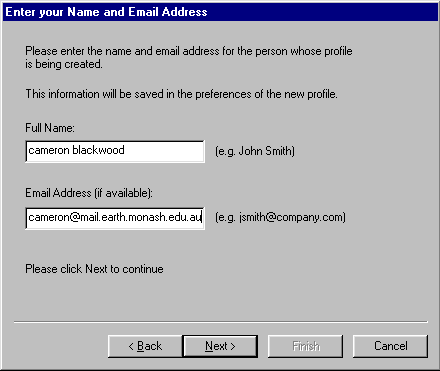
Step: Email details
Please verify that you use mail.earth.monash.edu.au and not just earth.monash.edu.au because some hosts will refuse to deliver the latter.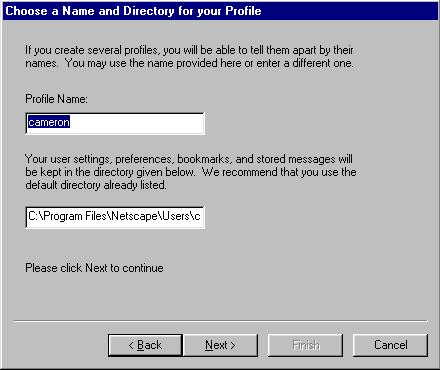
Step: Profile details
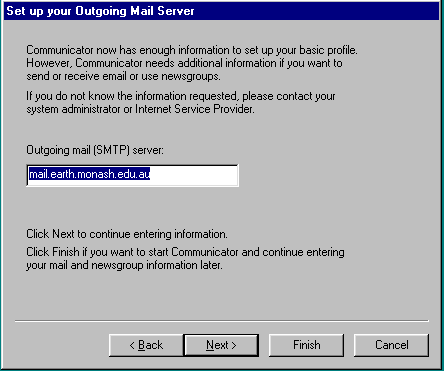
Step: Outgoing email details
Once again, please use mail.earth.monash.edu.au.
If you are
setting up netscape for use from home, then set this to your local
service providers smtp and not our server. Our server will
not deliver email that comes from outside our network (such as when
you are dialed in).
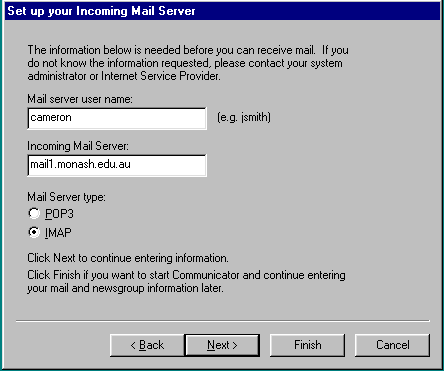
Step: Incoming email details
Change the incoming mail server to mail.earth.monash.edu.au
Be sure to select IMAP rather than POP.
IMAP will allow you to read your email from many places as it
leaves the email on the server. POP will upload the email to
the machine you are reading the email from. This is a bad thing.