Netscape: Configuring
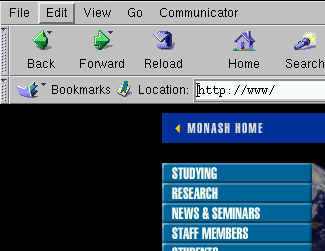
Step: Goto the Preferences menu
- Click on the Edit menu
- Select Preferences
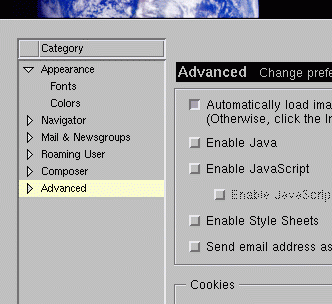
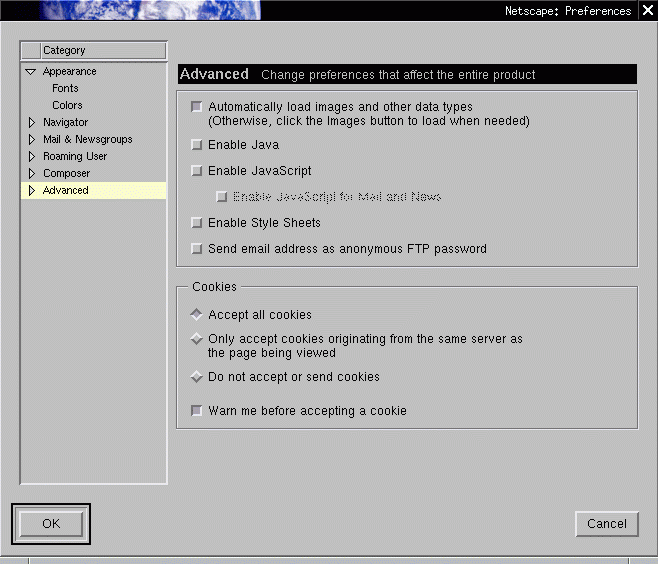
Step: The preferences menu appears
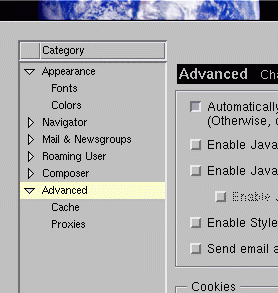
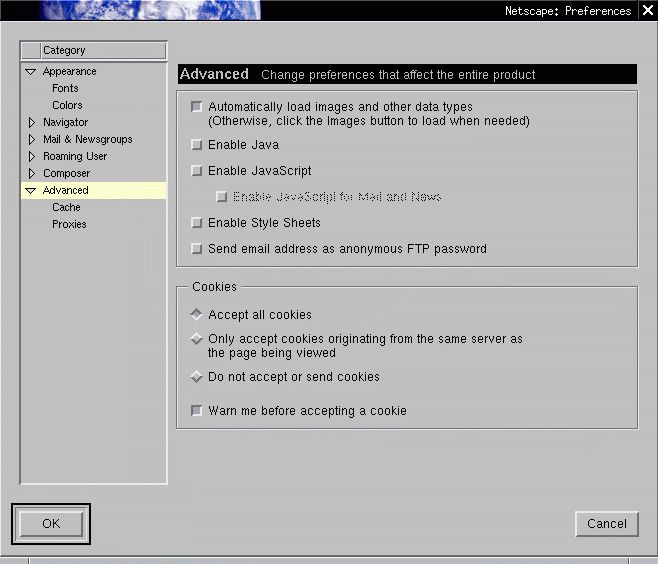
Step: Expand the 'Advanced' menu
- Click on "advanced" and expand that list. (Try clicking on the
little triangle).
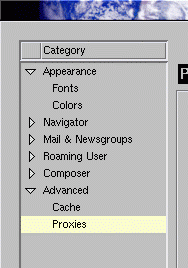
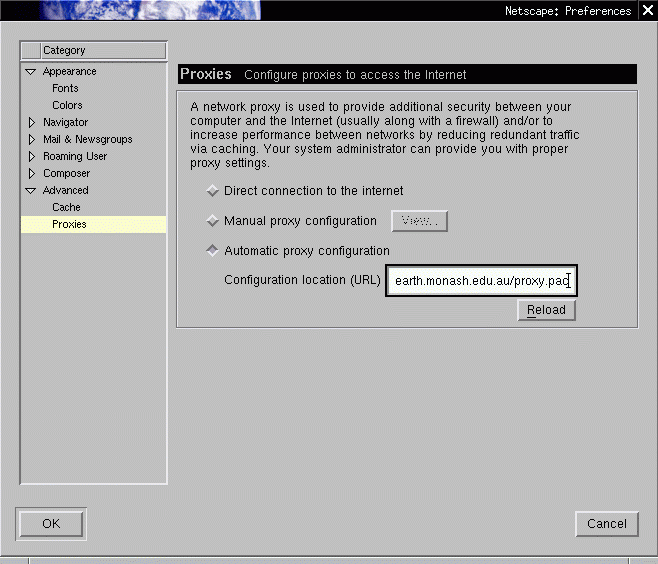
Step: Setting up the proxy
- Goto the proxies menu.
Step: Setting up the proxy
Click on the button Automatic proxy configuration
Enter the proxy value of http://www.earth.monash.edu.au/proxy.pac
into the Configuration location (URL)
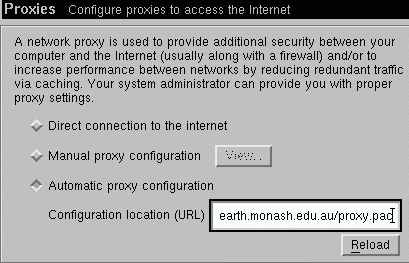 Click on the Reload button
Step: Done...
- Click on the OK button.
- Verify you see the earth science homepage.
http://www.earth.monash.edu.au/
- Access http://www.cnn.com to test you
can access outside the uni.
|