
Adding the general office printer
Requirements
Note, you need the following items for this process to work:- You need windows install CD for the driver files.
- You a samba account on earth server to be able to see the printer.
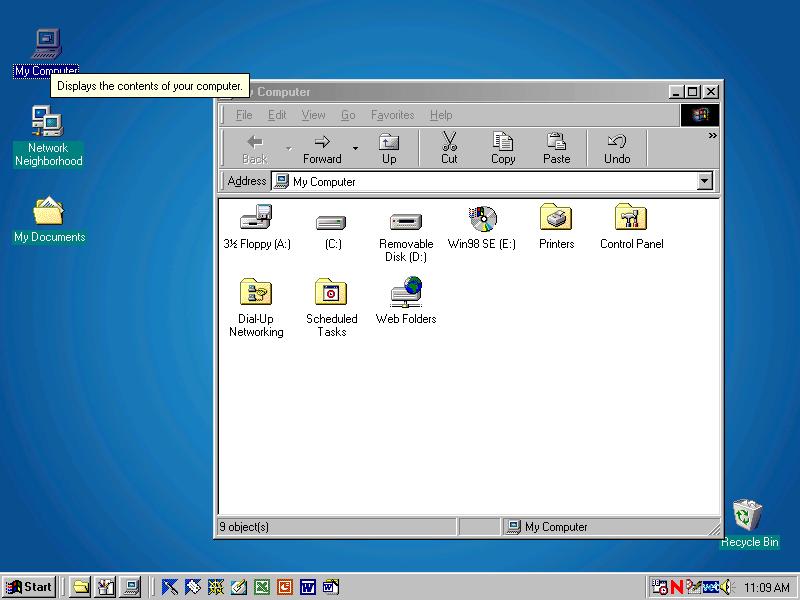
Select My computer
Double click on My Computer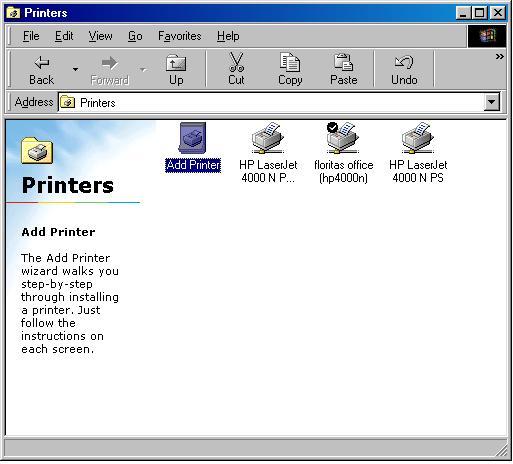
Adding the printer....
Double click on add printer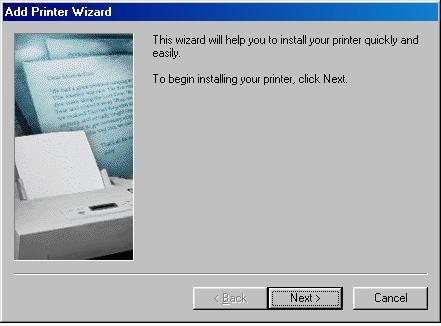
Adding the driver
Click on Next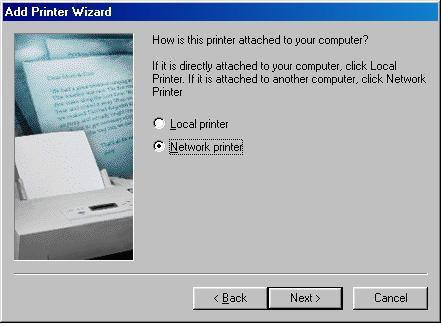
Adding the driver
Click on network printer
click Next
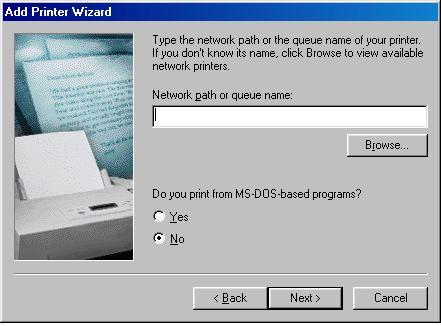
Locating the printer
Click on the browse button.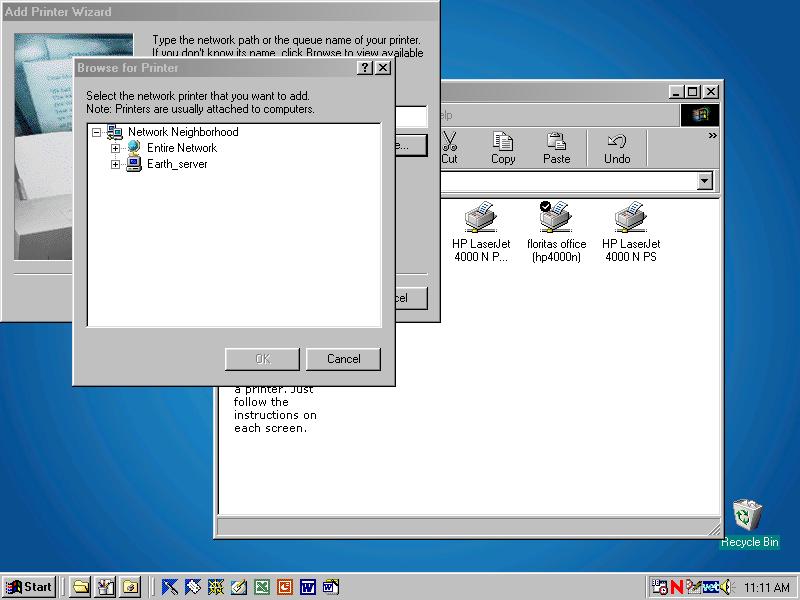
Locating the printer
Locate earth_server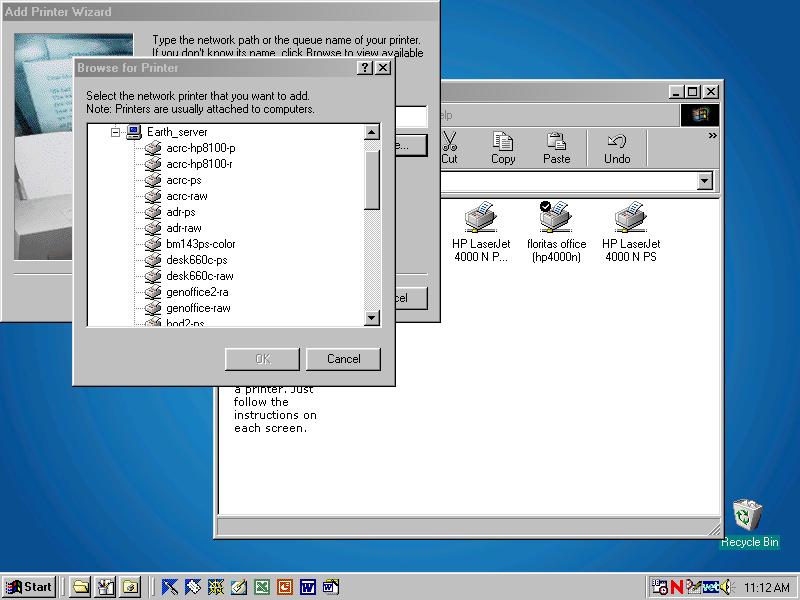
Locating the printer
Open the list of items in earthserver by clicking on the plus button.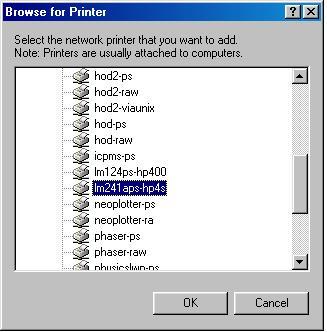
Locating the printer
Look for the printer lm241a-hp4si (the name may be truncated).
If lm241a-hp4si isnt visible, then look for genoffice-raw (which
again may be truncated).
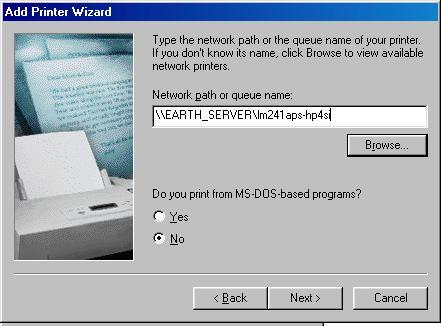
Locating the printer
Make sure the name is lm241a-hp4si or genoffice-raw (if it is truncated, then add the extra letters to complete the name).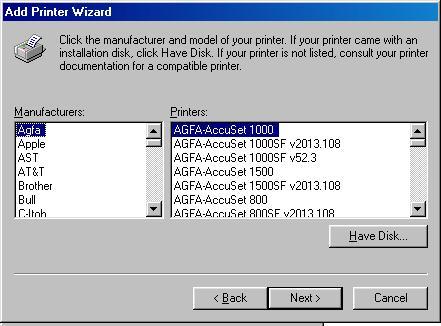
Selecting the driver
Now a list of supported manufacturers and printers will appear.
Select HP from the Manufacturers list.
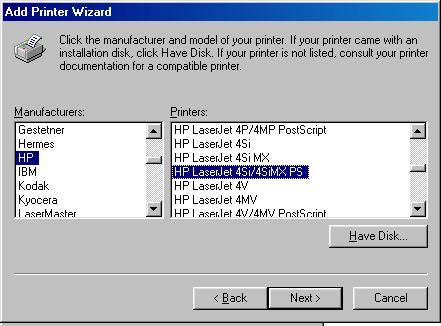
Selecting the driver
Now a list of supported printers will appear.Select HP LaserJet 4Si/4SiMX PS from the printer list.
Click Next
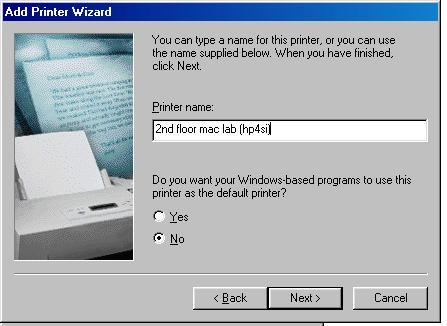
Name the printer
Give the printer a name that you will remember.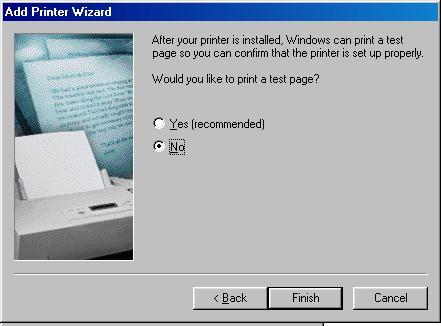
Finishing the install
It is up to you if you want to print a test page.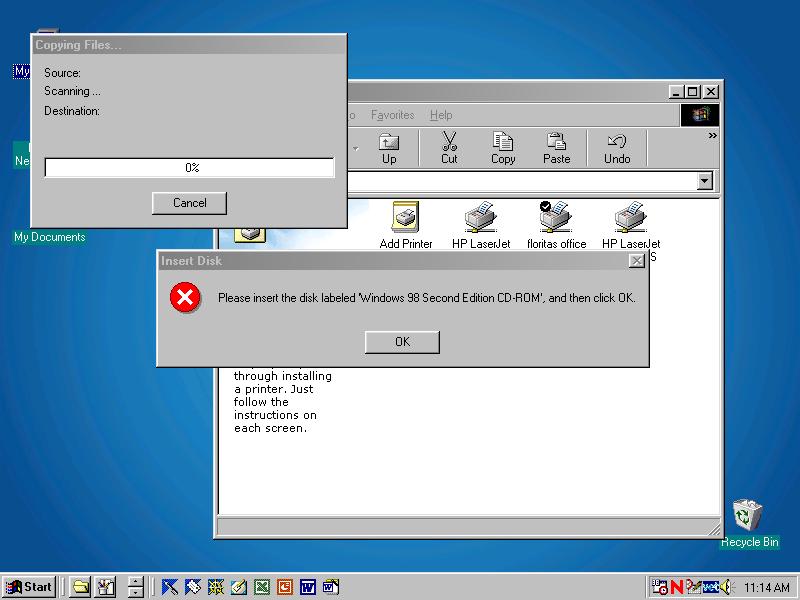
Loading the drivers
Place the windows CD into the CDrom drive to load the printer support files.