
Adding the general office printer
Requirements
Note, you need the following items for this to work:- You need a samba account on earthserver to see the printer and the driver.
Locating the driver
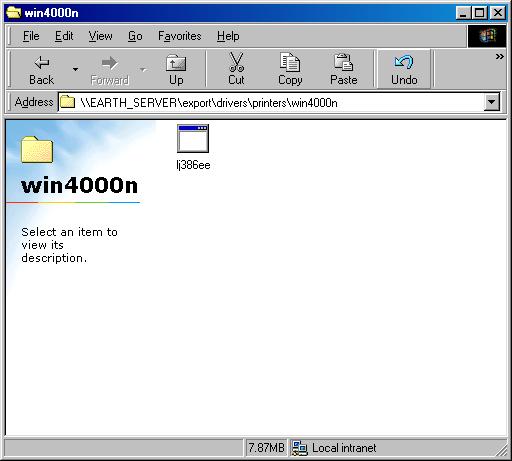
You need access to earthserver and /export. In the directory: drivers\printers\win4000n you will find lj386ee. Double click this file.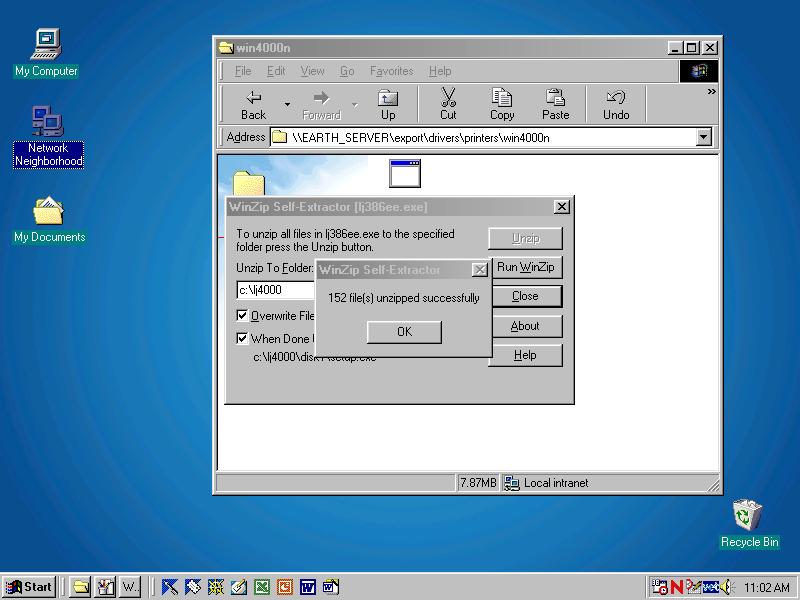
Extracting the driver
Double clicking will extract the driver, just press the Unzip button to extract.
Click OK when done.
Installing the driver
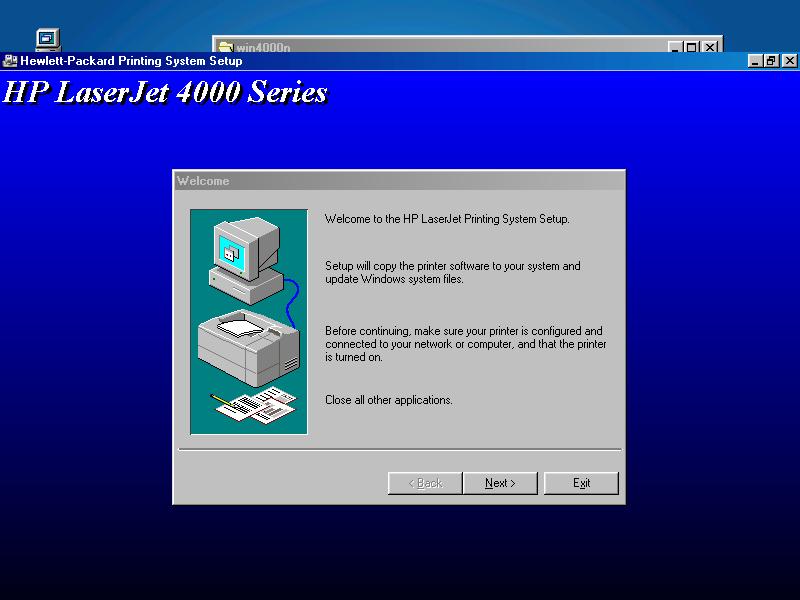
Once it has extracted and run the driver install program, the following window will appear.
click Next
Selecting the printer
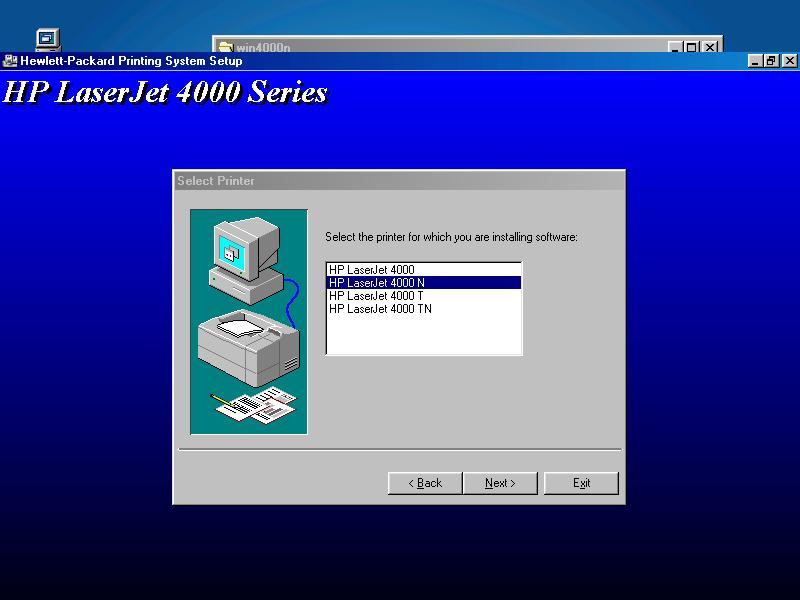
Select the hp4000n printer.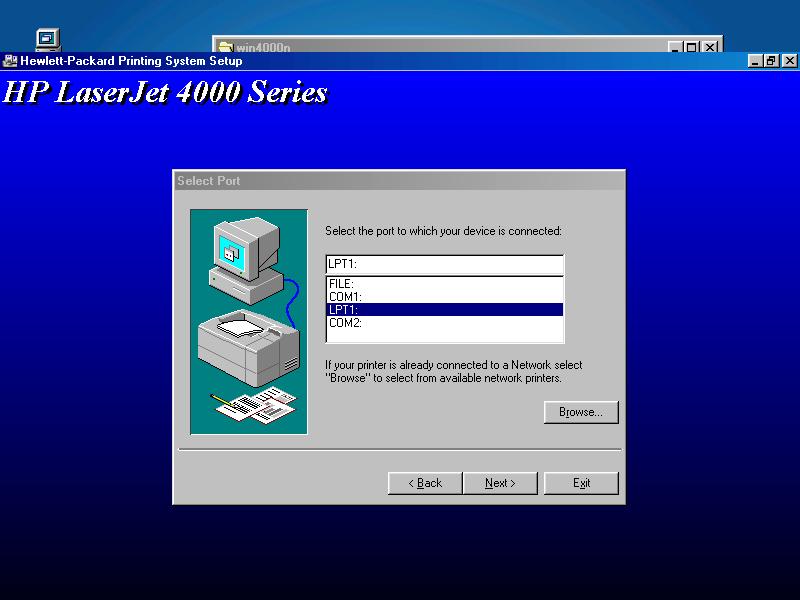
Locating the printer
Click on the brouse button.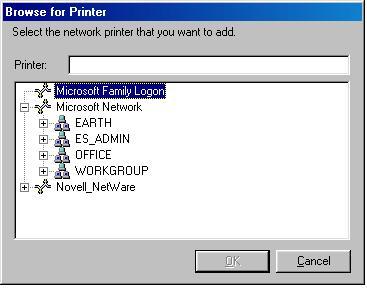
Locating the printer
Inside Microsoft Network you will find Earth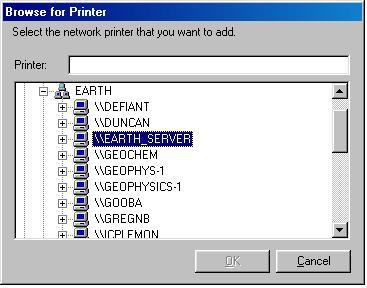
Locating the printer
Inside Earth you will find EarthServer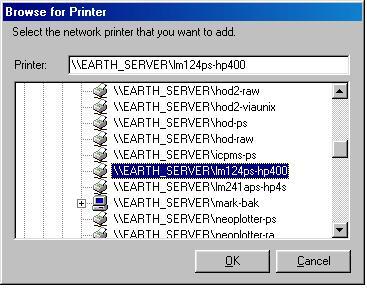
Locating the printer
Look for lm124-hp400 (which is the truncated name for the printer).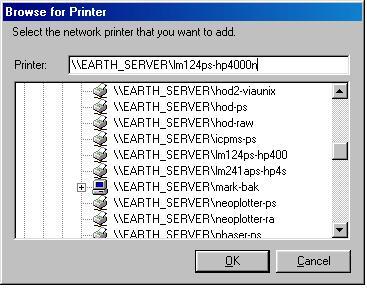
Locating the printer
You now need to add 0n onto the end of the printer name. Making the full name lm124-hp4000n. This step is imporant!
Click OK
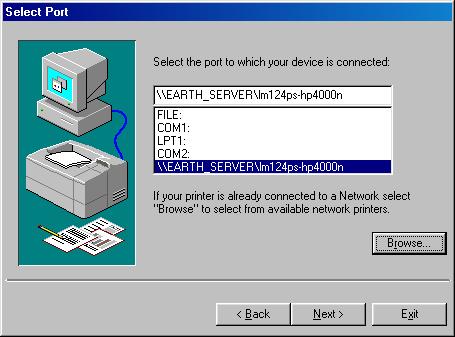
Locating the printer
Click Next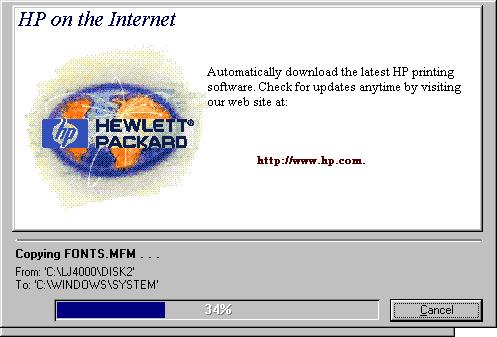
Installing the driver
Wait while it plows through the install.....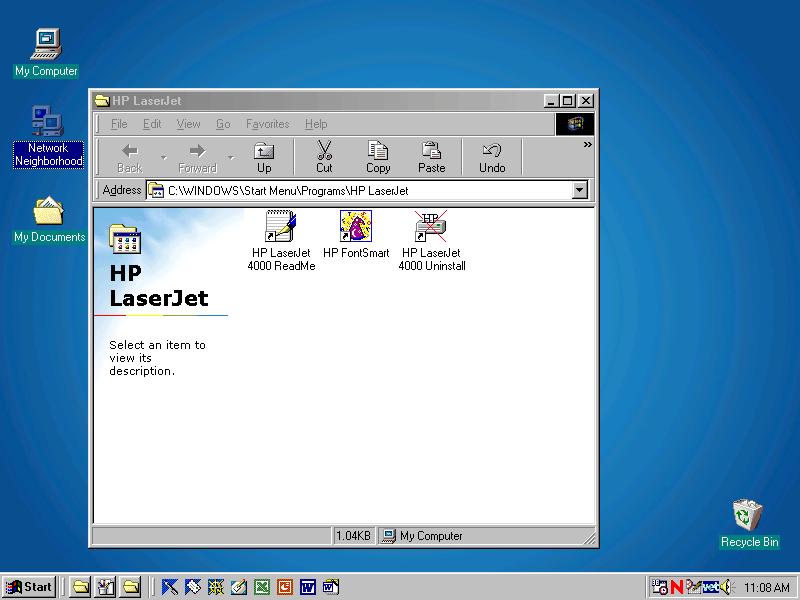
Finished installing the driver
The installer then quits and you are presented with the printer driver folder.
Close this.
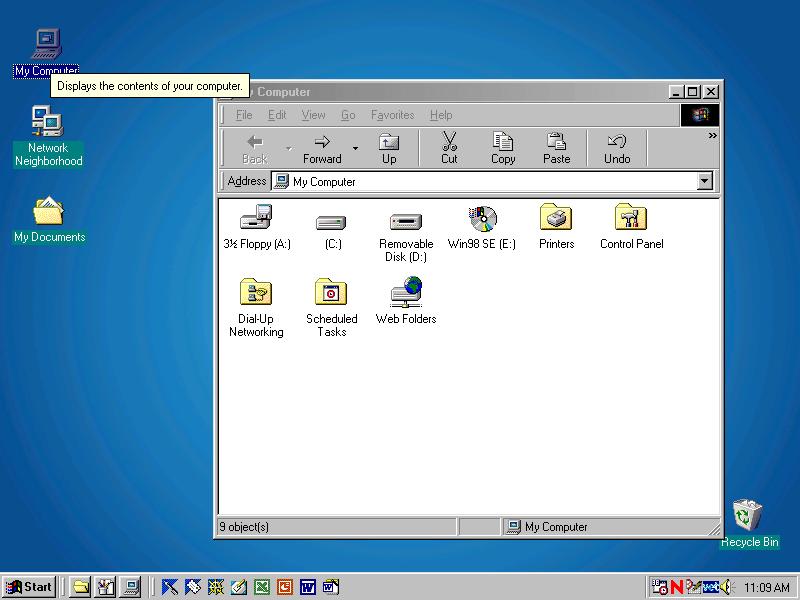
Naming the printer
Double click on My Computer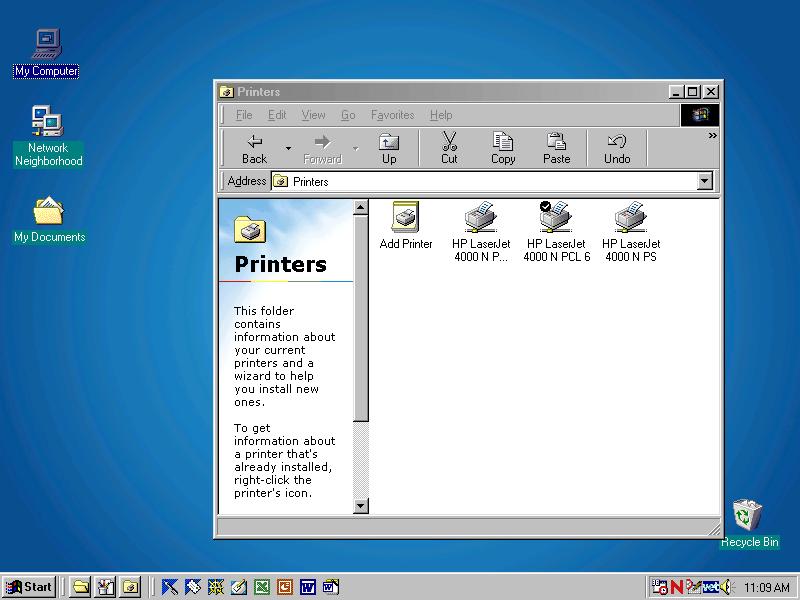
Naming the printer
Double click on Printers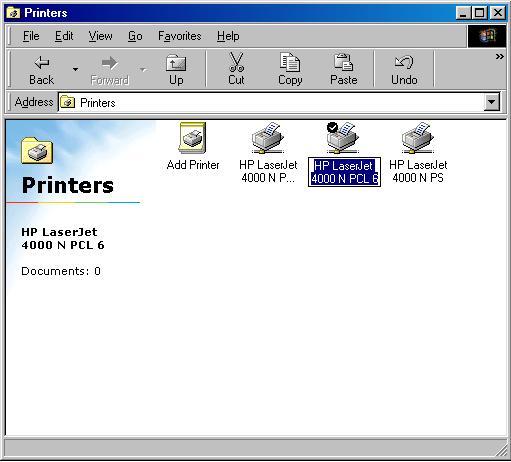
Naming the printer
You should see three new printers, all named HP laserjet 4000n. One of them probably has a tick on it, indicating it is the default printer.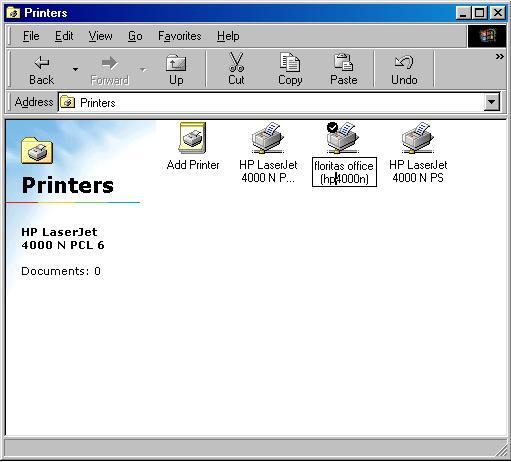
Naming the printer
Rename these printers to something will will remember.